Digital signage for any TV
Turn any TV into a sign you run from your phone.
Menus, schedules, announcements and the weather on the TVs in your lobby, break room or shop. No player box to buy: open one address on the TV, pair it from your phone, and change what it shows from anywhere.
Free for 15 days. No card needed. Then $8 a screen each month.
What it shows
Screens people actually stop to read
Pick the scenes you want, choose the colors, and they take turns on the TV, sized to read from across the room.
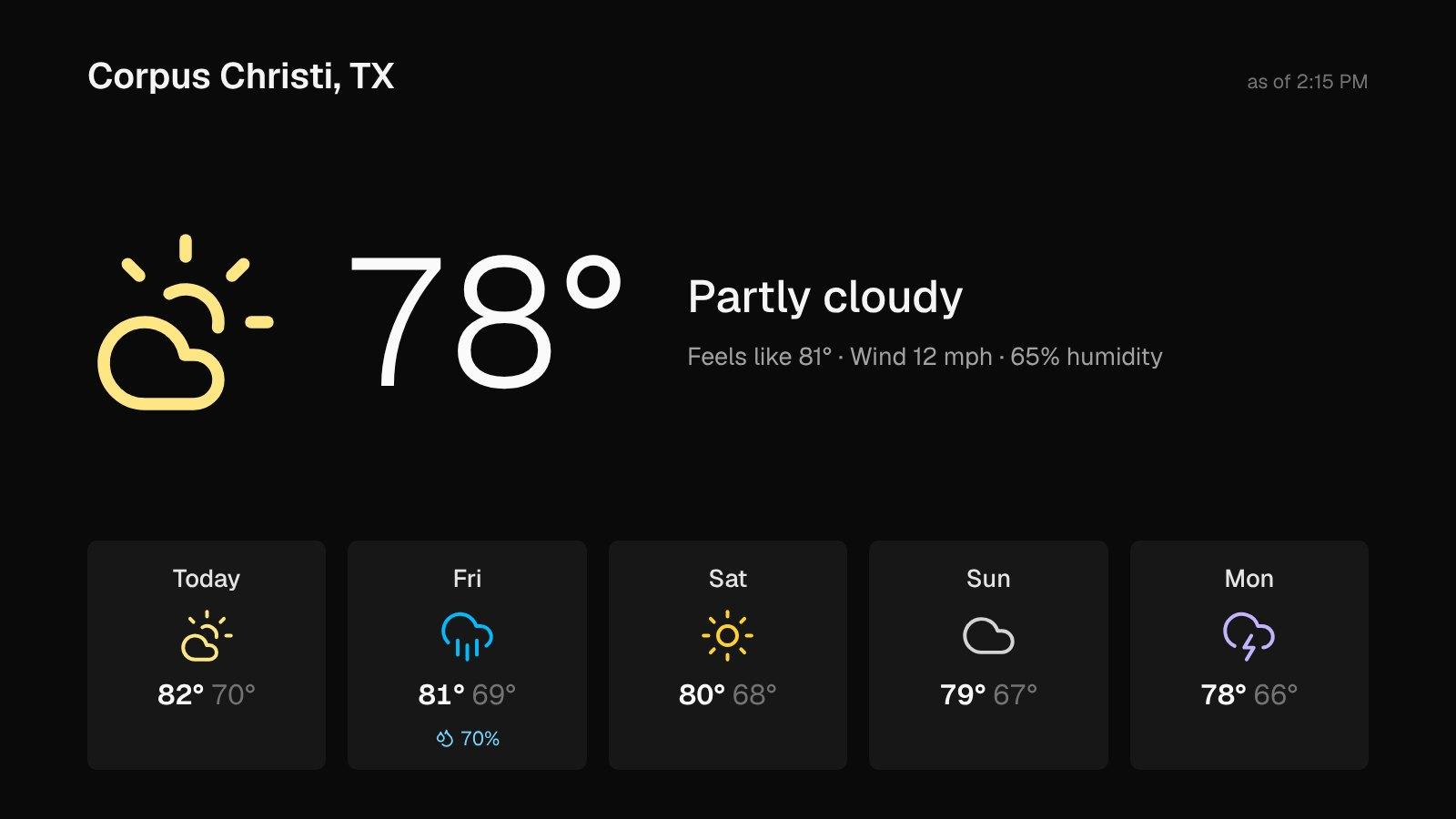
Weather
Right now and the next five days, for wherever you are.
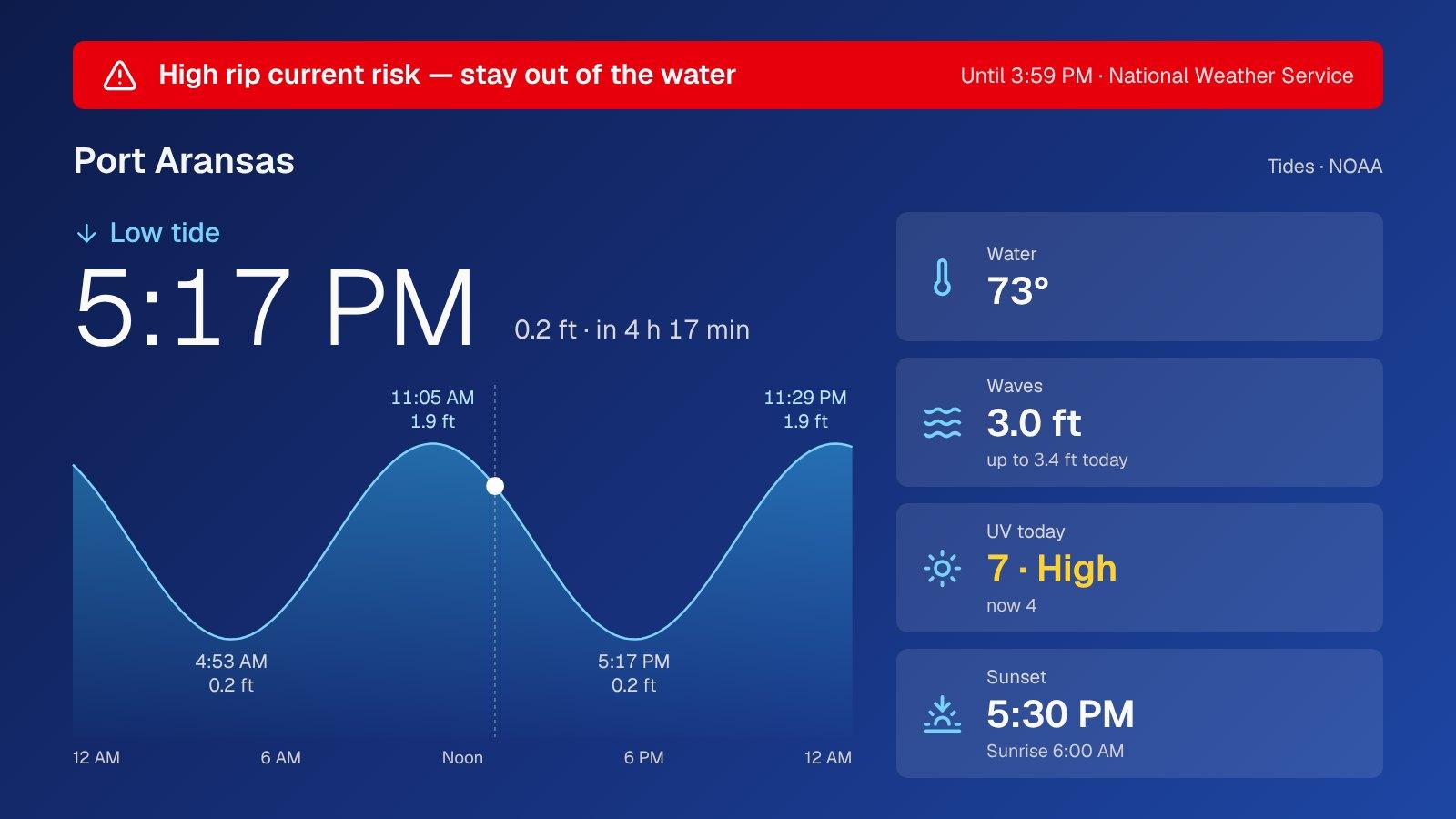
Tides and the beach
The next tide, today's curve, water, waves, UV and rip currents.
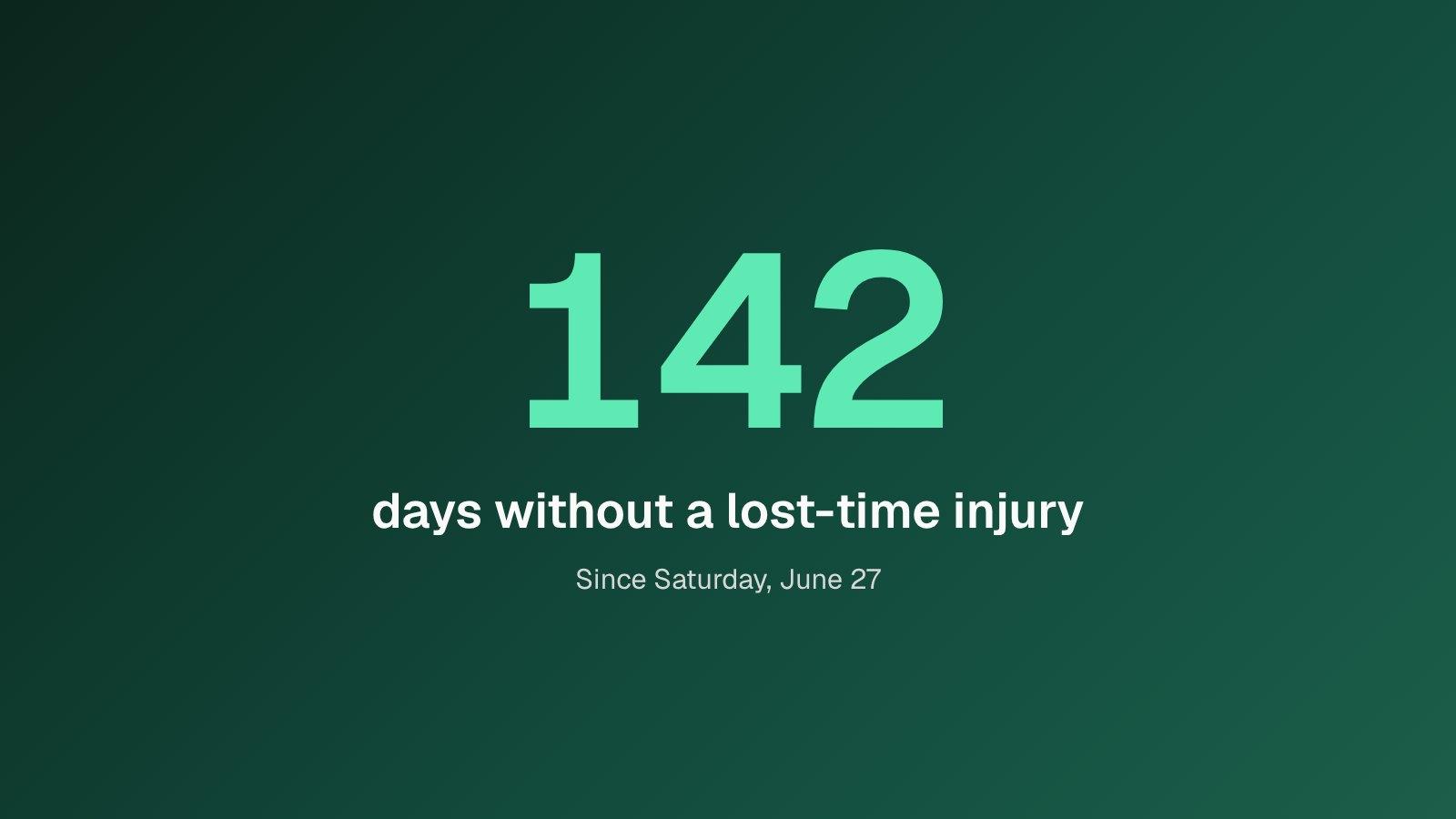
Days since
A safety record that counts up every morning on its own.
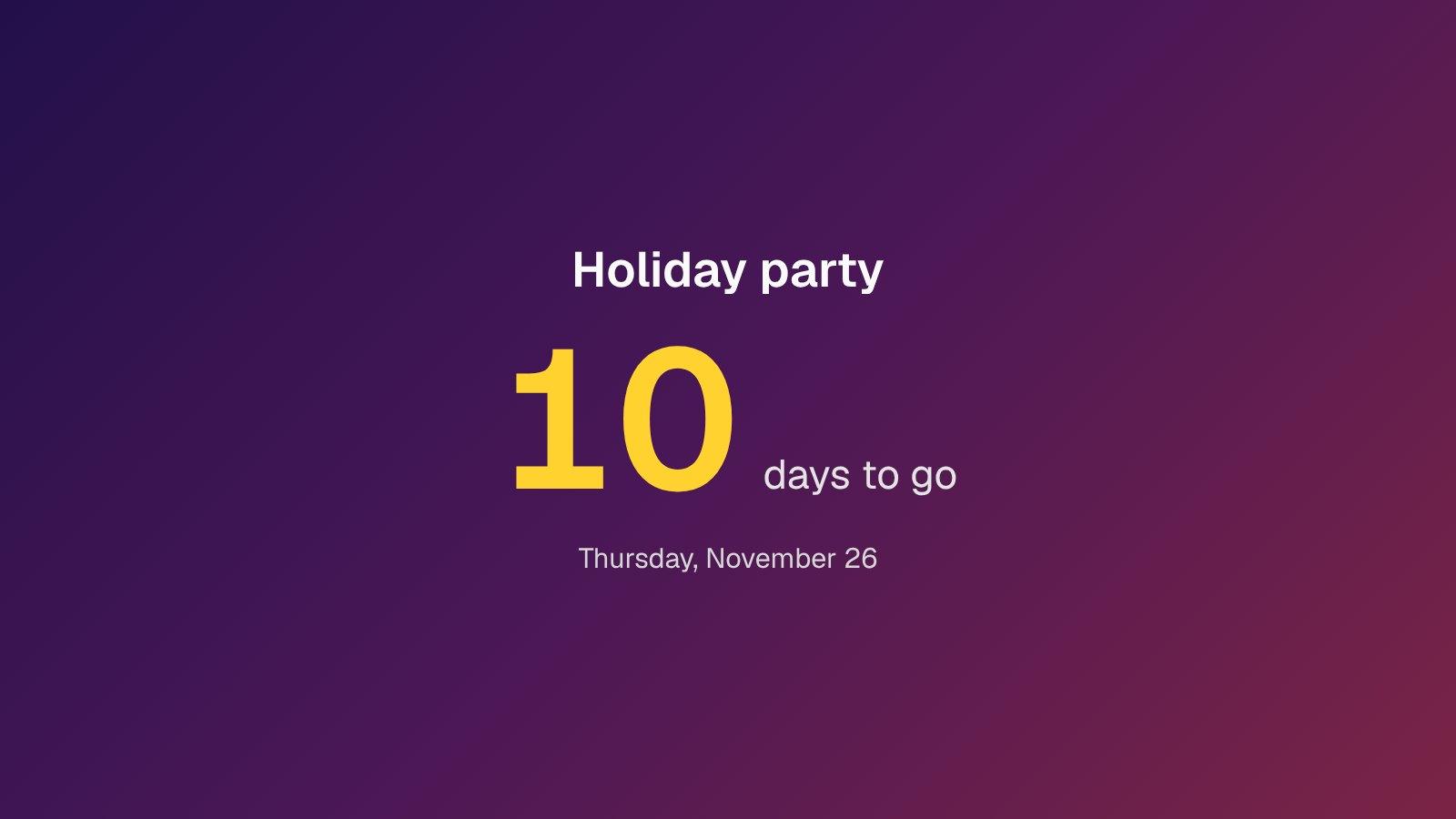
Countdowns
Days to the holiday party, the inspection or the grand opening.
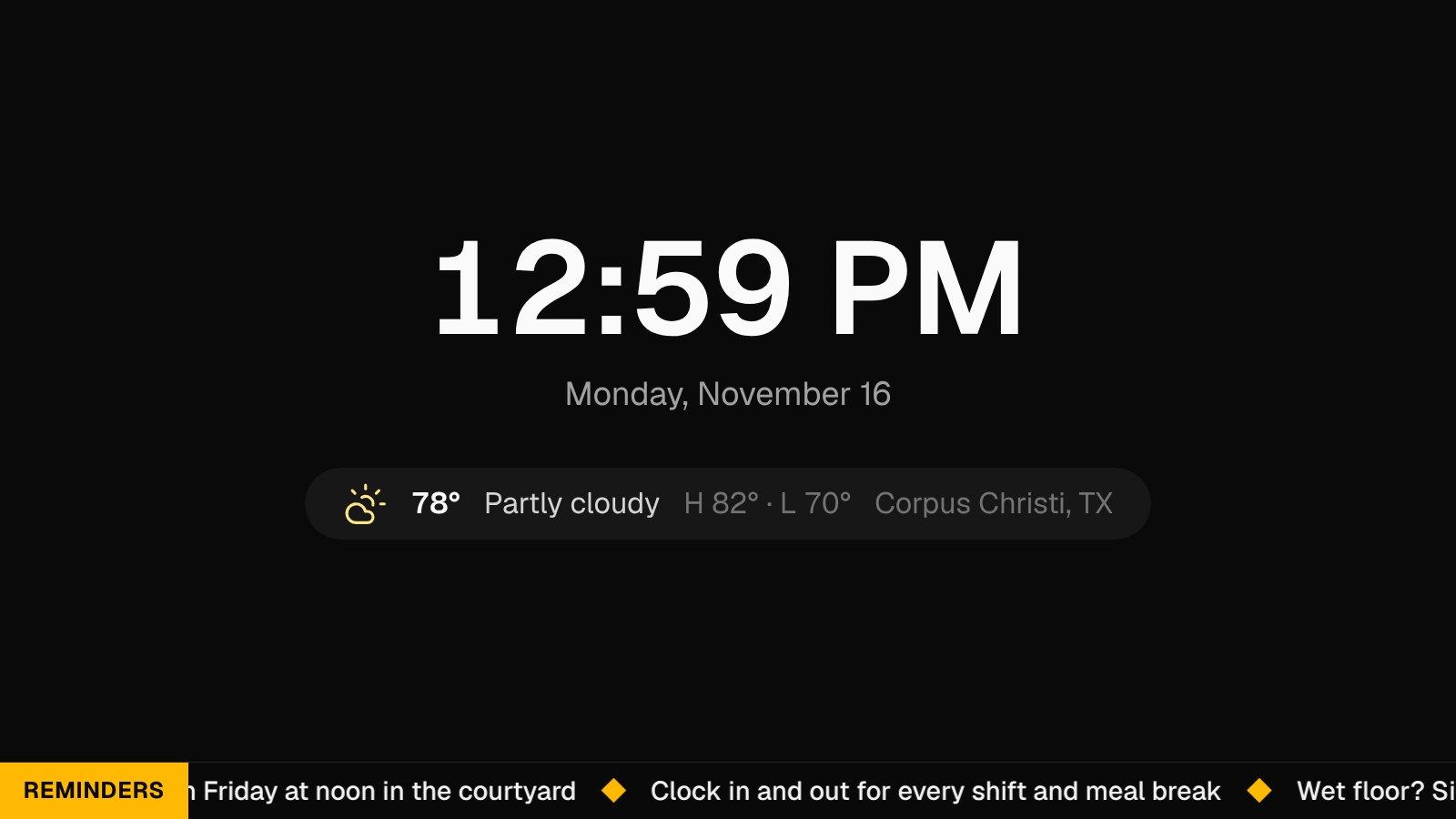
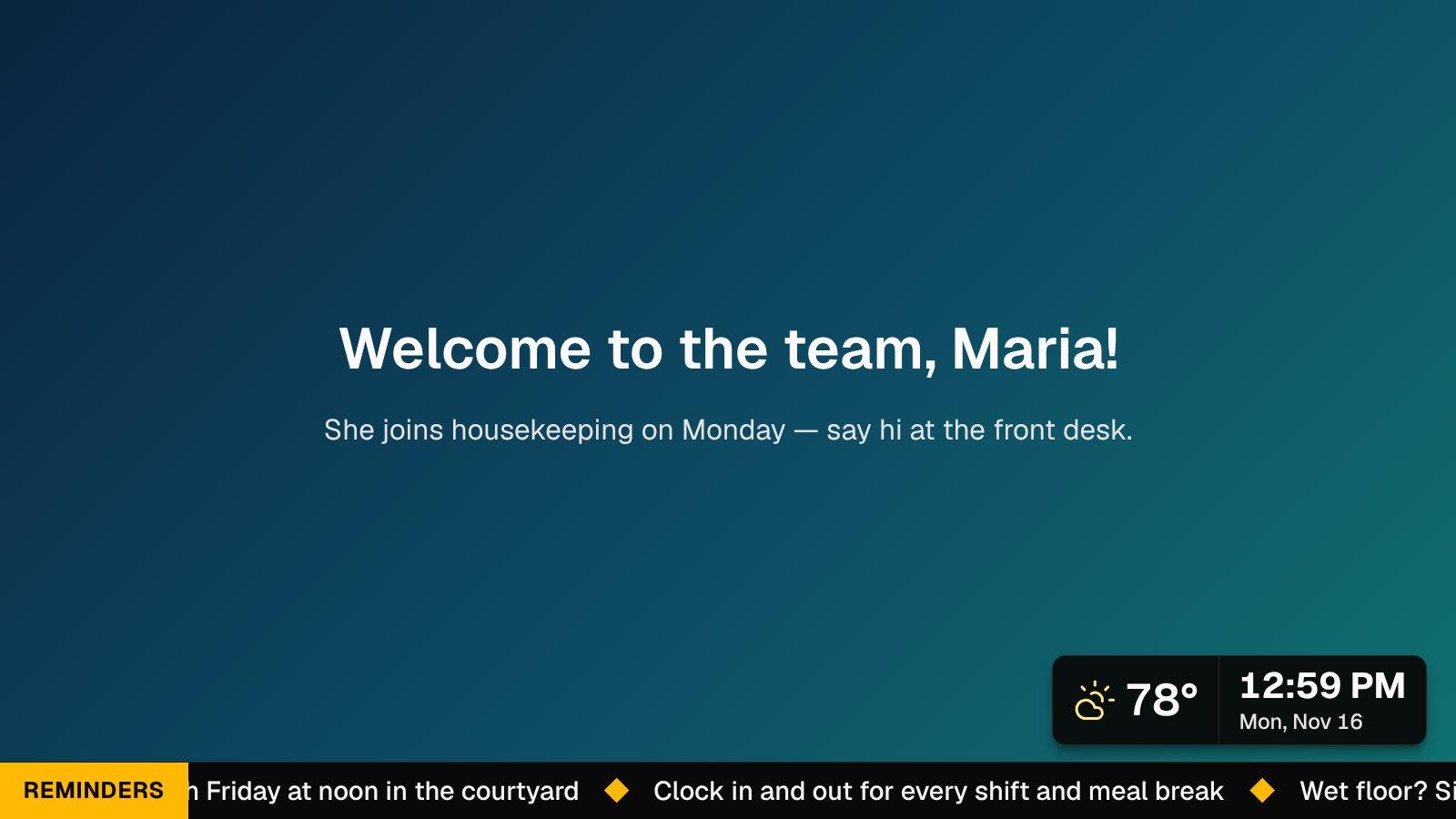
Clock and reminders
The time, today's weather and a crawl of reminders along the bottom.
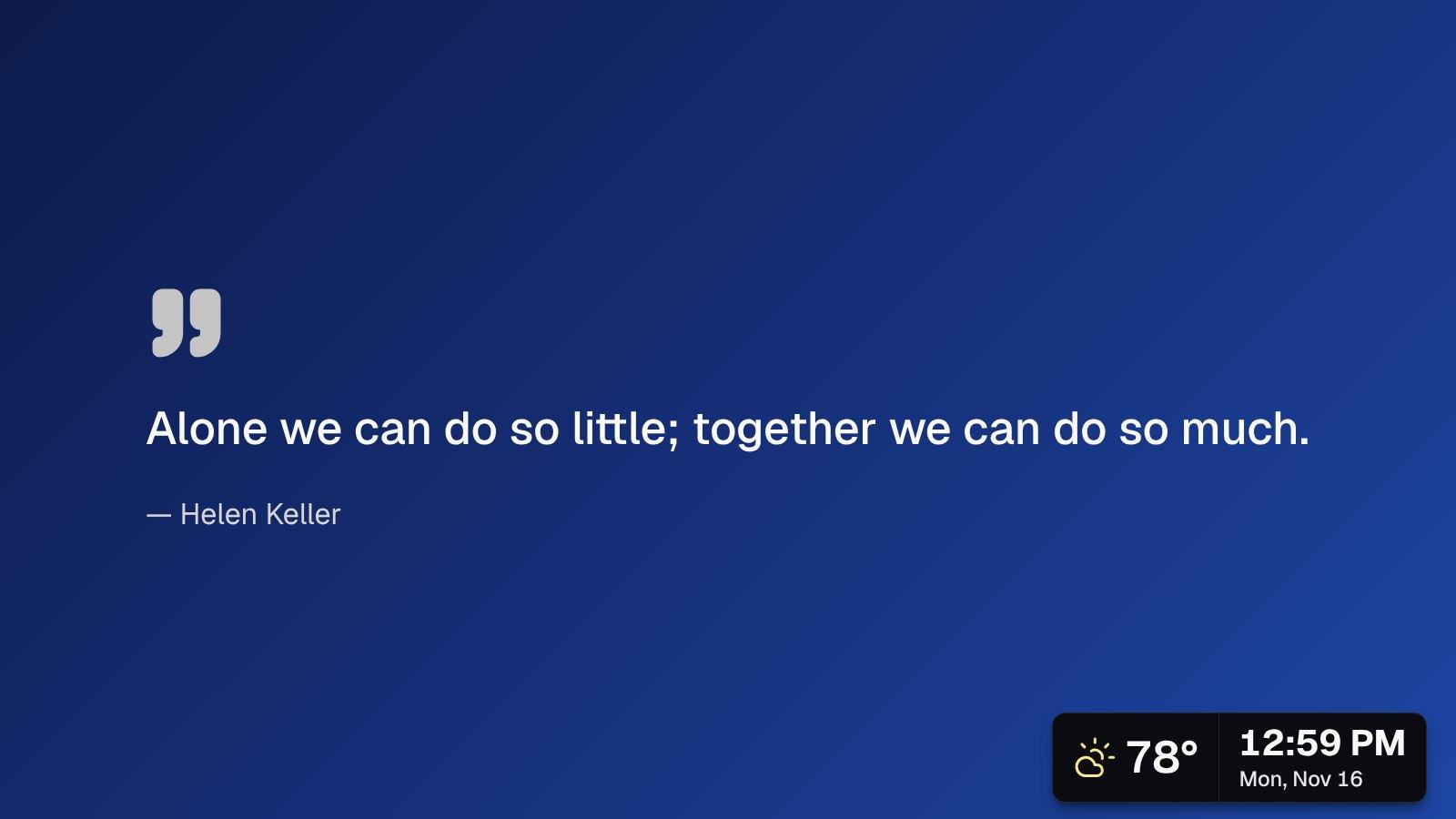
Announcements
Headlines, photos, quotes and big numbers, in a look of your choice.
Made for your kind of place
Start from a screen built for places like yours
Watch a demo play, then make it your own: change the words, keep the layout.
How it works
On the wall in five minutes
If the TV can open a web page, it can be a screen. Nothing to buy, nothing to install.
- 1
Open one address on the TV
In the TV's web browser, or on anything plugged into its HDMI port. It shows a code.
- 2
Pair it from your phone
Scan the code, name the screen — Lobby, Break room, Front desk — and it starts playing.
- 3
Run it from anywhere
Build playlists on a laptop or your phone. Changes reach the screen within a minute.
Have a UniFi Display Cast? Paste the screen's address into its Web Mode instead. FYI Wall on a UniFi Cast.
Why it stays up
It looks after itself
Set it up once. It keeps playing, tells you when something's wrong, and gets out of the way.
Take over every screen
One tap puts an urgent message on every screen — or just the ones in one building — until you lift it.
Severe weather, automatically
When the National Weather Service issues a warning for your area, your screens show it and what to do.
Keeps playing offline
Each screen stores its playlist and pictures, so a dropped connection doesn't mean a blank TV.
Tells you when a screen goes dark
An email, Teams or Slack message when a screen stops checking in — and when it's back.
On a schedule
Breakfast specials in the morning, the safety message every few scenes, the lunch menu on the hour.
Live from what you already use
News feeds, calendars, Google Sheets, Instagram and Facebook posts, YouTube, Slack and Teams channels.
Shout-outs from a QR code
Staff thank each other from their phones; you approve what goes up.
See it before they do
Preview any playlist on your phone, drawn exactly the shape of the TV.
Pricing
Pay by the screen
A small monthly price for each screen you run. Add one when you hang a TV, and stop paying for it when you take one down.
Free for 15 days
Every feature, as many screens as you like. No card to start.
Then $8 a screen each month.
- Every scene and live-data source
- As many playlists as you need
- Takeovers and severe weather alerts
- Your whole team, with roles
- Add or remove screens any time
Questions
Good to know
What do I need?
A TV that can open a web page full screen, and a network connection: a recent smart TV's own browser, a UniFi Display Cast, or a small computer on the HDMI port. No player box to buy, no software to install.
How quickly do changes show up?
Within a minute. A screen finishes the scene it's on, then plays the new version.
What happens if the internet goes down?
The screen keeps playing what it has stored. Scenes that need live data, like the news, step aside until the connection is back.
Can more than one person manage the screens?
Yes. Invite your team as owners, admins, editors or view-only, and let anyone with your company's email address join on their own.
Is this made by Ubiquiti?
No. It's an independent product. A UniFi Display Cast is one of the things it runs on, through the Cast's Web Mode.